
Flare 适合快速迭代插画和产品视觉。 参考图编辑 · NewRouters Images API
/v1/tasksMODELgpt-image-2.6-flare代码示例与响应
/v1/taskscurl "https://newrouters.com/v1/tasks" \
-H "Authorization: Bearer $API_KEY" \
-H "Content-Type: application/json" \
--data '{
"model": "gpt-image-2.6-flare",
"input": {
"prompt": "把杯身改为蓝色,保留杯柄和背景。",
"size": "auto",
"quality": "low",
"output_format": "jpeg",
"images": [
"https://example.com/cup.png"
]
}
}'const apiBaseUrl = "https://newrouters.com";
const apiKey = process.env.API_KEY;
if (!apiKey) throw new Error("Set API_KEY in your server environment");
const response = await fetch(apiBaseUrl + "/v1/tasks", {
method: "POST",
headers: {
"Content-Type": "application/json",
"Authorization": "Bearer " + apiKey
},
body: JSON.stringify({
"model": "gpt-image-2.6-flare",
"input": {
"prompt": "把杯身改为蓝色,保留杯柄和背景。",
"size": "auto",
"quality": "low",
"output_format": "jpeg",
"images": [
"https://example.com/cup.png"
],
"resolution": "2k"
}
})
});
const result = await response.json();
if (!response.ok) throw new Error(JSON.stringify(result));
console.log(result);import json
import os
from urllib.request import Request, urlopen
api_base_url = "https://newrouters.com"
api_key = os.environ["API_KEY"]
body = json.loads("{\"model\":\"gpt-image-2.6-flare\",\"input\":{\"prompt\":\"把杯身改为蓝色,保留杯柄和背景。\",\"size\":\"auto\",\"quality\":\"low\",\"output_format\":\"jpeg\",\"images\":[\"https://example.com/cup.png\"],\"resolution\":\"2k\"}}")
request = Request(
api_base_url + "/v1/tasks",
data=json.dumps(body).encode("utf-8"),
headers={
"Content-Type": "application/json",
"Authorization": "Bearer " + api_key
},
method="POST",
)
with urlopen(request) as response:
print(json.load(response))平台地址已填入,运行前设置 API_KEY 环境变量。示例不会自动发起请求。
202任务已受理
{
  "id": "TASK_ID",
  "status": "pending",
  "model": "gpt-image-2.6-flare",
  "result": null,
  "error": null
}200成功结果
{
  "id": "TASK_ID",
  "status": "succeeded",
  "model": "gpt-image-2.6-flare",
  "result": {
    "assets": [
      "https://example.com/output.png"
    ]
  },
  "error": null
}- 创建任务01
POST /v1/tasks提交 model + input,保存返回的任务 id。
202 · pending - 轮询状态02
GET /v1/tasks/{id}pending / processing 时等待并继续查询。
等待 → 再查询 - 读取终态03
result.assets[] / error按任务终态读取对应结果。
succeeded→ assetsfailed→ error
示例输出
在模型页查看与试用 ↗以下结果均通过本平台 API 实际生成,费用为任务回执中的实扣金额。
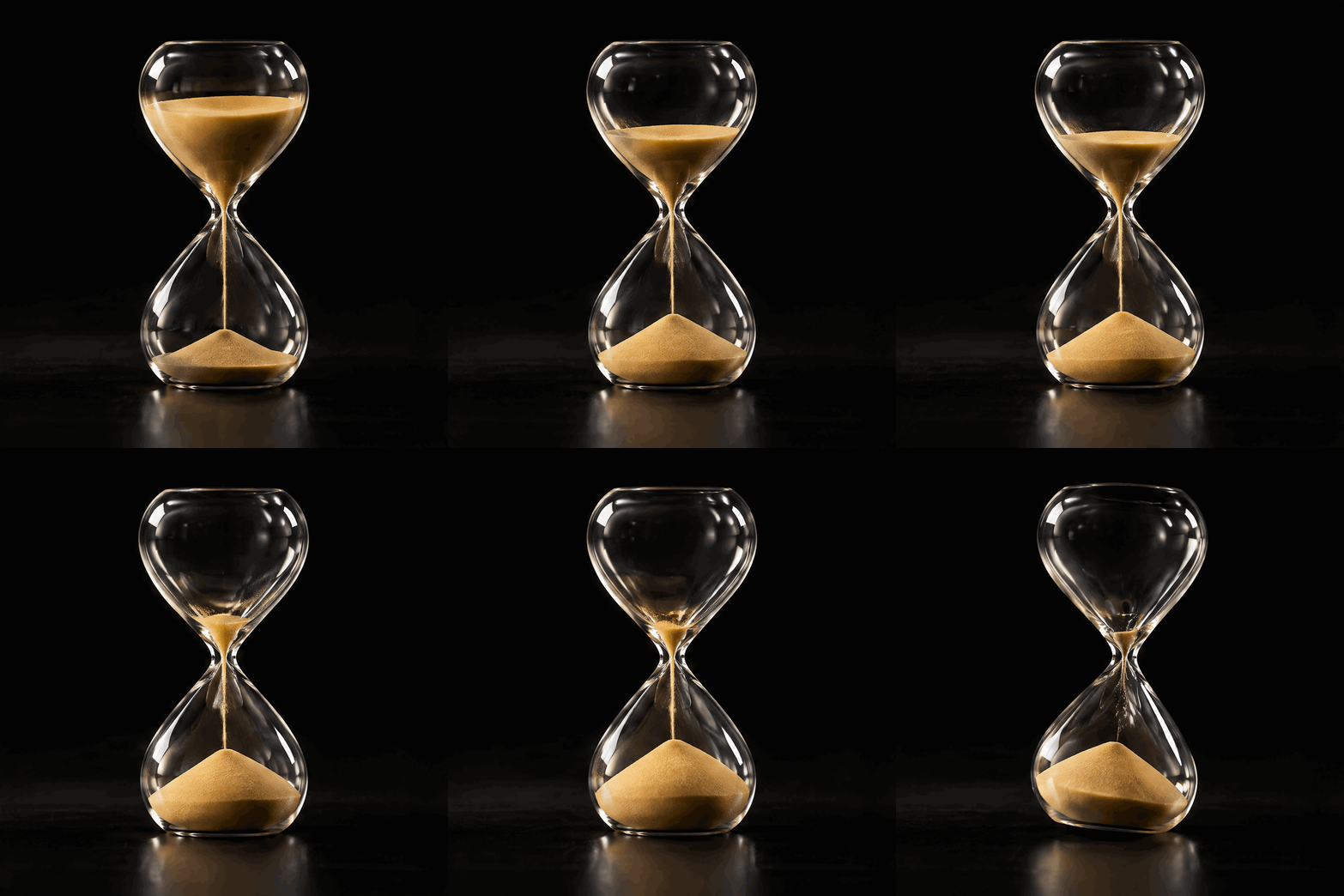
提示词与参数
Seamless looping animation of a small clear glass hourglass on a matte black surface. Fine golden sand flows from the top bulb to the bottom; on the final frame the hourglass gently rotates to restart the loop. Soft studio rim light, crisp refractions, centered composition, generous dark negative space. No text.
size: auto · quality: medium · output_format: gif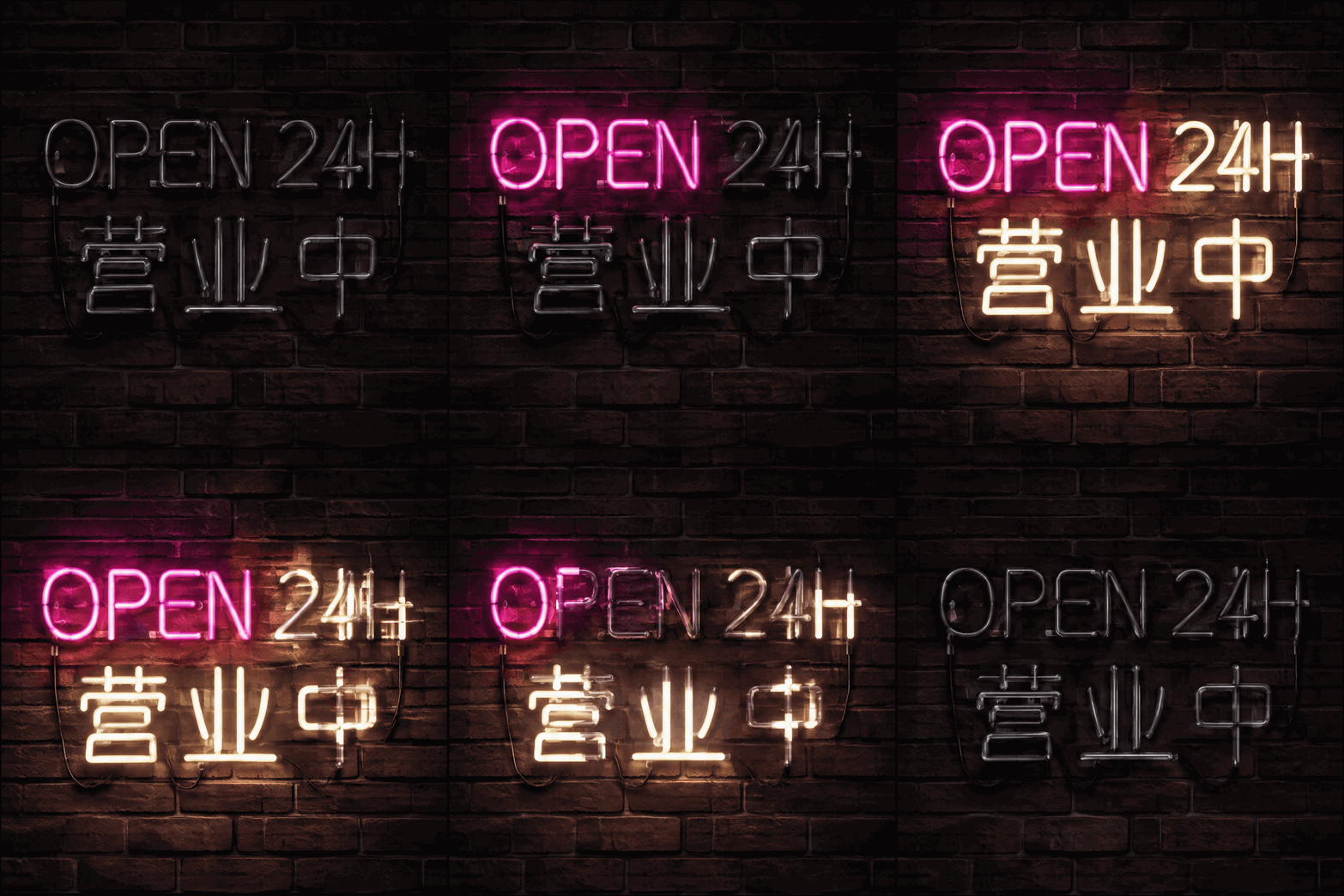
提示词与参数
Looping animation of a hand-bent neon sign on a dark brick wall that reads exactly "OPEN 24H" with the Chinese characters "营业中" beneath it. The tubes flicker on letter by letter, glow steadily, then briefly buzz and flicker before the loop restarts. Pink and warm white neon, soft glow on the bricks. Every character spelled exactly as written.
size: auto · quality: medium · output_format: gif
提示词与参数
A polished mobile app screen for a fictional personal finance app called "Ledger". Dark mode. Header "Good evening, Lin". A large balance "$12,480.50". A smooth line chart for the last 30 days. A list of four transactions with icons: "Blue Bottle Coffee −$6.50", "Salary +$4,200.00", "Metro Card −$40.00", "Apple Music −$10.99". A bottom tab bar with Home, Cards, Insights, Profile. Crisp UI rendering on a plain dark background, all text and numbers exactly as written.
aspect_ratio: 9:16 · resolution: 2k · quality: high · output_format: jpegFlare 适合快速迭代插画和产品视觉。 在 NewRouters 使用型号 gpt-image-2.6-flare.
将可访问的原图 URL 放进 input.images。请把示例 URL 换成自己的图片,并在提示词中说明哪些细节需要保留。编辑结果可选 JPEG、PNG 或 WebP。
curl "https://newrouters.com/v1/tasks" \ -H "Authorization: Bearer $API_KEY" \ -H "Content-Type: application/json" \ --data '{ "model": "gpt-image-2.6-flare", "input": { "prompt": "把杯身改为蓝色,保留杯柄和背景。", "size": "auto", "quality": "low", "output_format": "jpeg", "images": [ "https://example.com/cup.png" ] }}'保存响应的任务 ID,使用同一个 Key 轮询 GET /v1/tasks/{id}。成功后从 result.assets 下载文件。